Hottest EdTech Tools of 2017 – Add Video to Video!

22# of the 82 Hottest EdTech Tools of 2017 According to Education Experts –

Tutora posted the 82 Hottest EdTech Tools of 2017. I have decided to post re each, and we start with #22 on the list:

22. EDPuzzle – The Easiest Way to Engage Your Students With Videos

As nominated by Bethany Petty of Teaching With Technology.

Edpuzzle allows teachers to easily customize a video by adding questions and audio throughout the video to have more engaging video-lessons. Helping to dispel the classic problem of students dozing off during longer videos, Edpuzzle allows you to add natural stopping points throughout the video. Add pauses at the end of each key video segment to trigger questioning and discussion amongst the class – all while making sure they’re still paying attention!

Edpuzzle also allows teachers to encourage self-paced learning by adding their own voice recording on top of the existing video. This means students can watch or review videos individually depending on their level of progress, helping to remove the chance of them becoming bored due to learning something they have already mastered.
 

Hottest EdTech Tools of 2017

#21 of the 82 Hottest EdTech Tools of 2017 According to Education Experts –

Tutora posted the 82 Hottest EdTech Tools of 2017. I have decided to post re each, and we start with #21 on the list:

21. TinyTap – Create Games and Learn from Others

As nominated by Shelly Terrell author of the 30 Goals Challenge for Teachers.

TinyTap is a marketplace of interactive educational games created by teachers. TinyTap empowers students to learn through play, with over 100,000 learning activities from a worldwide community of educators. Master concepts through curated courses and measurable lessons, that you can play on your mobile device or computer. Create interactive presentations for school work, or detailed study guides for tests and quizzes with TinyTap’s easy-to-use creation tool. Special needs teachers and caretakers can utilise this simple and powerful platform to come up with new ways to help those in need and personalise activities to fit each person individually.

The TinyTap team also believe that there is no better way to learn than by teaching – which is why they created the TinyTap Market. The TinyTap Market is an online community of millions of kids, teachers and parents that create and share their fun educational games everyday. Created games can be published  on the TinyTap Market, giving creators the option to sell their games – whether created by an author, illustrator, educator or just someone full of imagination.

“TinyTap is a wonderful app to encourage children to create interactive games and presentations for others with their own images, sound effects, and much more.” – Shelly Terrell

Hottest EdTech Tools of 2017- ePicBooks for Kids 3-7

#19 of the 82 Hottest EdTech Tools of 2017 According to Education Experts –

Tutora posted the 82 Hottest EdTech Tools of 2017. I have decided to post re each, and we start with #19 on the list:

19. Ebookadabra – 100’s of Children’s Books in One App

As nominated by Lauren Porter of Sophie’s Nursery.

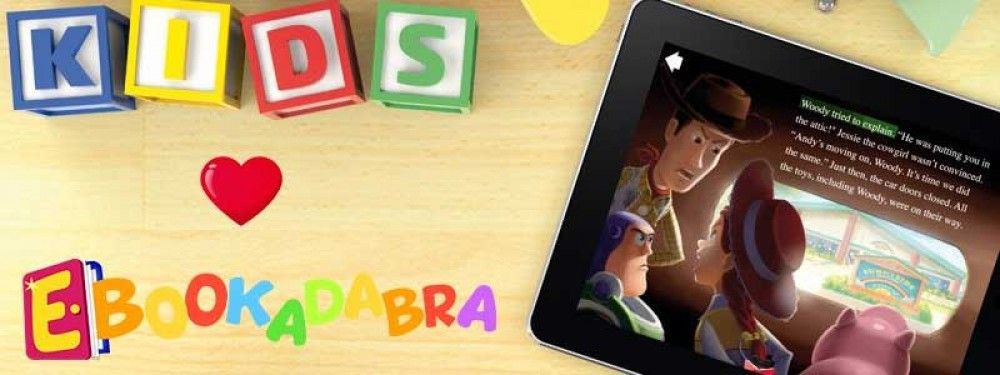
Ebookadabra is the ‘Netflix’ of kids picture books. Aimed at children aged 3-7, it offers a huge library of picture books from well-known publishers, educational games and rewards – all within an environment that is safe and fun.

For a single monthly subscription that covers the whole family, parents and up to four kids can join in the fun – with everyone being able to access Ebookadabra simultaneously on an unlimited number of devices. Families can message each other, post reviews and record audio books.

The Ebookadabra library is constantly growing and new stickers, games, avatars and emoji are added regularly to maintain a fresh and engaging world of reading.

Hottest EdTech Tools of 2017- Game time is Brain Time

#18 of the 82 Hottest EdTech Tools of 2017 According to Education Experts –

Tutora posted the 82 Hottest EdTech Tools of 2017. I have decided to post re each, and we start with #18 on the list:

18. Puzzlets – Make Game Time, Brain Time

As nominated by Brian Seymour of Seymour Educate.

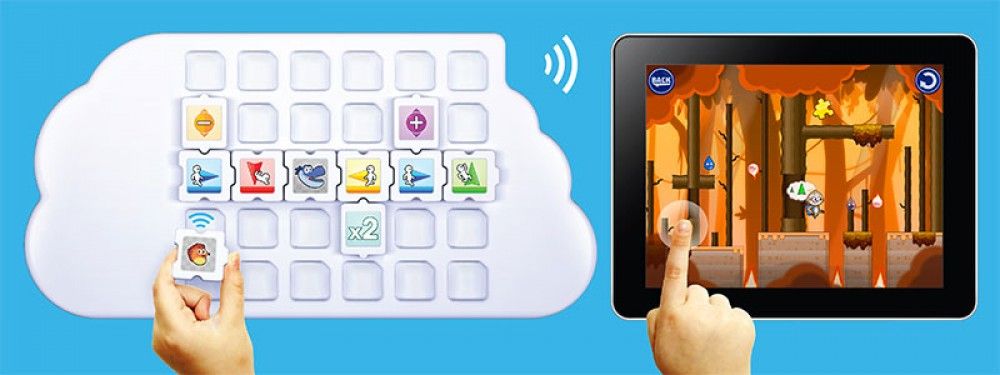
Puzzlets is a hardware accessory for your tablet or computer used to play Puzzlets-specific games. Each game focuses on a traditionally “tough” STEAM subject, such as: coding, math, and colour theory. Each game comes with its themed set of physical Puzzlets tiles.

Puzzlets apps use these toy puzzle pieces to control video games for K-2 (ages 6+). This hands-on learning game philosophy starts with fun first and offers endless possibilities to the educational market. Cork the Volcano, the first game for Puzzlets, enriches logic, sequencing, fine-motor skills through physical interaction and gameplay. New Puzzlets games on the topics of Math and Art, releasing Summer 2017, will expand the platform and learning.

Hottest EdTech Tools of 2017 – Smart Video Creation to Collaborate Virtually

#17 of the 82 Hottest EdTech Tools of 2017 According to Education Experts –

Tutora posted the 82 Hottest EdTech Tools of 2017. I have decided to post re each, and we start with #17 on the list:

17. TouchCast – Leading the Smart Video Revolution

As nominated by Brad Gustafson.

At the core of TouchCast are Smart Videos. What makes video smart? Tools to create and stream video that are blissfully simple to use. The means for any file to be shared inside video. Interactive elements that make them more engaging. The ability to collaborate with your team anywhere in the world.

With TouchCast Studio, you have a full-blown TV studio at your fingertips. Use the green-screen feature to place yourself against a background or inside content. Or step inside a virtual set. Read from a scrolling script. Add titles. Annotate. Record your video, edit it, and share securely. Live stream it privately to a small group, the whole company, or publicly to the entire world.

This is smart video creation, where broadcasting is easy.

“We use TouchCast to supercharge school communications and unleash student creativity. TouchCast is like having a free professional recording studio in your classroom.” – Brad Gustafson


Hottest EdTech Tools of 2017- Wanted: Student Inventors

#16 of the 82 Hottest EdTech Tools of 2017 According to Education Experts –

Tutora posted the 82 Hottest EdTech Tools of 2017. I have decided to post re each, and we start with #16 on the list:

16. Microduino – DIY Electronics for Makers of All Ages

As nominated by Nikolaos Chatzopoulos of Tech Trends 4 Teachers.

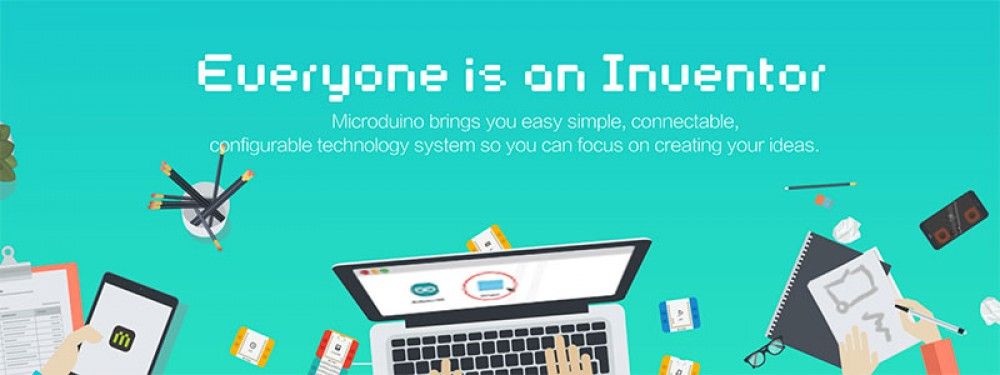
Microduino designs and manufacturers digital electronic building blocks which are connectable to a large selection of digital input and digital/analog output devices. Compatible with Arduino, the Microduino Series blocks are packaged in multi-piece kits that allow users to build, animate and control objects that they construct. Kits also include interactive components that sense physical attributes and output devices. In its most popular form, mCookies are stackable, magnetically and electronically connectable and colour-coded to easily identify the functional family type.

mCookies are physically compatible with LEGO blocks. Connected in stacks, mCookies are available into the consumer, maker space and educational markets as components and/or in convenient kits such as the Microduino ‘Itty Bitty City’.

Microduino recent awards include Time Magazine named Microduino 1 of the top 5 STEM education kits to teach kids engineering and coding, Gold winners of the 2016 IDEA awards by the IDSA. Microduino modules are on permanent display at the Henry Ford museum of Innovation, One of the ‘Five Best Things’ from the World Maker Faire.

“Microduino is the perfect tool for STEM/STEAM education” – Nikolaos Chatzopoulos

Hottest EdTech Tools of 2017- Student Voice

#14 of the 82 Hottest EdTech Tools of 2017 According to Education Experts –

Tutora posted the 82 Hottest EdTech Tools of 2017. I have decided to post re each, and we start with #14 on the list:

14. Flipgrid – Video for Student Engagement and Formative Assessment

As nominated by Alec Couros.

Flipgrid is video platform used in over 50,000 classrooms to empower student voice and ignite discussion. In Flipgrid, teachers post discussion topics to which students respond via video, creating a social learning environment that provides every student an equal voice and increases engagement.

With the advent and increasing popularity of short video based communication a la Snapchat, Instagram Stories and more, allowing students to communicate and learn through a medium they are familiar with can improve engagement and knowledge retention.

Created ‘grids’ can also be embedded or connected with a variety of other platforms such as Blackboard, WordPress, Moodle and more.

Hottest EdTech Tools of 2017-Padlet

#15 of the 82 Hottest EdTech Tools of 2017 According to Education Experts –

Tutora posted the 82 Hottest EdTech Tools of 2017. I have decided to post re each, and we start with #15 on the list:

15. Padlet – The Easiest Way to Create and Collaborate

As nominated by Bethany Petty of Teaching With Technology.

Padlet is like paper for your screen. Start with an empty page and then put anything you like on it. Upload a video, record an interview, snap a selfie, add text or upload some documents, and watch your padlet come to life. Invite as many people as you like and watch the page update in real time with the contributions of others. Used by teachers, students, professionals, and individuals of all ages, all around the world, Padlet is the easiest way to create and collaborate wherever you are.

Padlets easy, intuitive interface makes it a breeze to quickly create a new document. You could hold a live collaboration lesson where students can all share and add content to your sheet at the same time, or set a task to create a summer holiday scrapbook before school returns in September.

Hottest EdTech Tools of 2017

#13 of the 82 Hottest EdTech Tools of 2017 According to Education Experts –

Tutora posted the 82 Hottest EdTech Tools of 2017. I have decided to post re each, and we start with #13 on the list:

13. Education City – Kids Educational Games and Teacher Resources

As nominated by Lauren Porter of Sophie’s Nursery.

EducationCity is one of the leading online teaching, learning and assessment resources. It was established in 1999 and now has subscribers in over 70 countries worldwide.

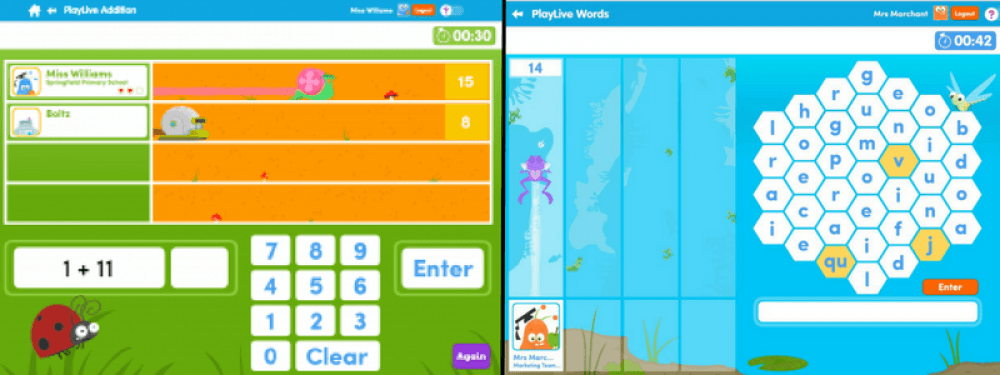
Ideal for children aged between 3-12 years old and children with SEN of all ages, EducationCity’s engaging and interactive educational resources cover English, Mathematics, Science, Computing, French, Spanish and English as an additional language. Offering a variety of content types, it lends itself to group and whole-class instruction as well as personalised learning.

It can be used anytime and anywhere on various devices, including interactive whiteboards, laptops and mobile devices, and also includes many time-saving features for the teacher. As a curriculum-based resource, EducationCity is mapped to UK and worldwide curricula.


Hottest EdTech Tools of 2017

#12 of the 82 Hottest EdTech Tools of 2017 According to Education Experts –

Tutora posted the 82 Hottest EdTech Tools of 2017. I have decided to post re each, and we start with #12 on the list:

12. Quizizz – Fun Multiplayer Classroom Quizzes

As nominated by Jon Corippo, Director of Academic Innovation at CUE, and Bethany Petty of Teaching With Technology.

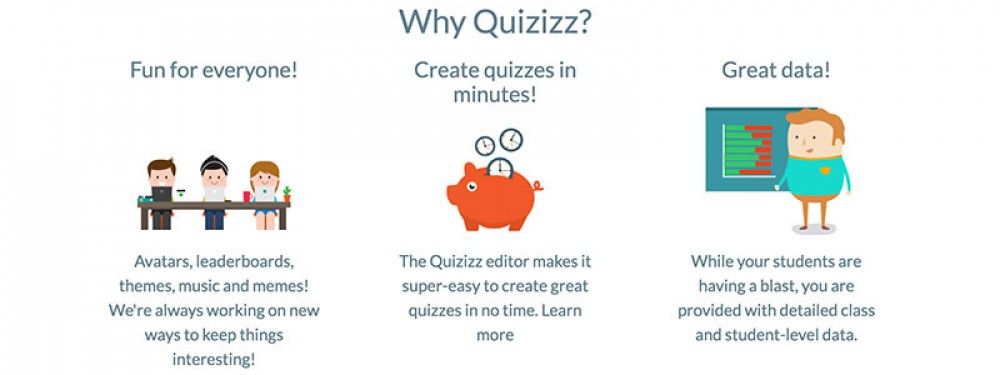
Quizizz allows you to find amazing quizzes made by other teachers, or create your own quizzes and share them with the world. Start a “Live” game in class, or assign Quizizz as a fun “Homework” task. Teachers can control the competition by toggling the leaderboard, timer and other settings. Thanks to Quizizz being available on all devices, students play together, but each at their own pace. Gamification elements like avatars, leaderboard and funny memes add to the fun! Review your work in the end and use Quizizz’ detailed class and student-level reports to understand where your students need help.

“Quizizz is a game changer in formative assessment because it’s easy for teachers to adopt. It has just the right visual layout for entertaining kids and getting teachers the actionable data they crave. As a plus, there’s no “app” to download – Quizizz works on great on any device!” – Jon Corippo